
We use AI to build small tools that make your work easier.
We use artificial intelligence to build a tool for a specific task: calculating prices, organising repairs or moving details between files. Tell us what you do manually and we create a solution that is easy to use.

A free, no-obligation introductory conversation. We arrange a day and time on WhatsApp.
A simple tool to keep track of your jobs.
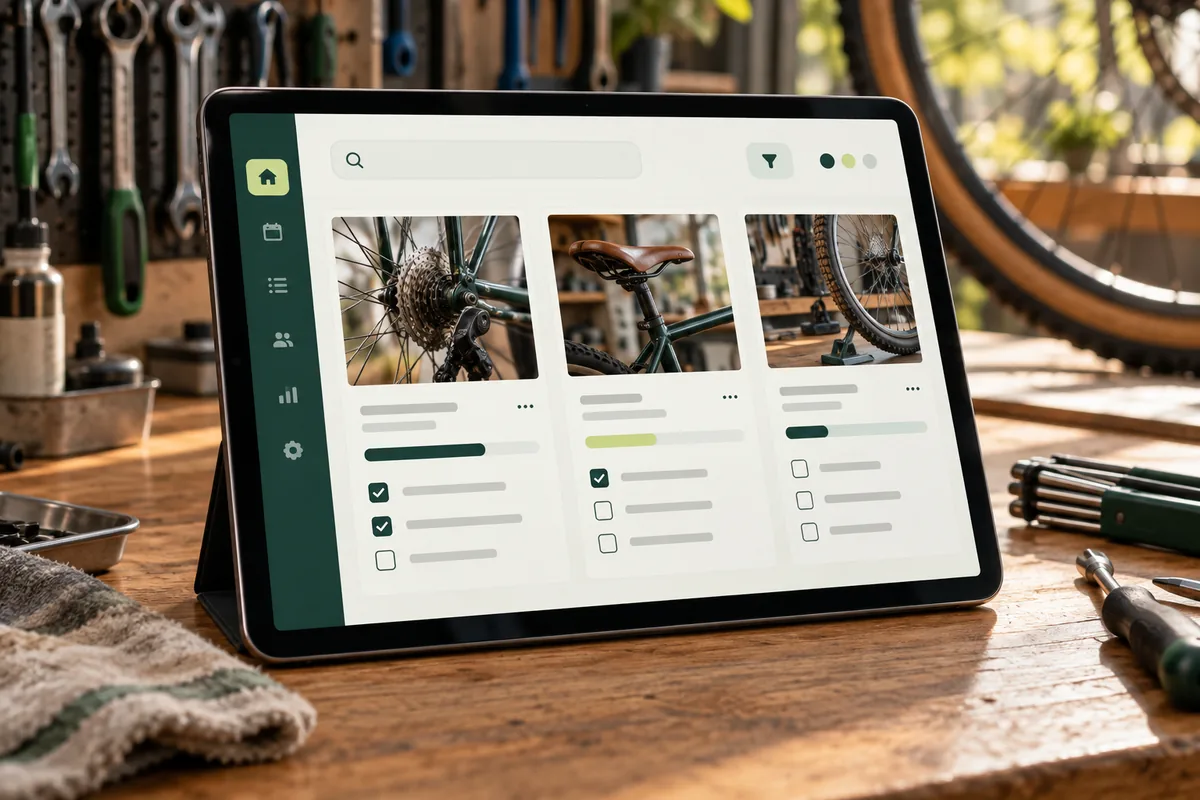
A small bicycle workshop needs to see which jobs are waiting. We use AI to help us build a tool with a record for each repair: customer, bicycle, work required and status. The workshop repairs the bicycle and marks the job as “Completed”. The tool then sends a collection notice through the configured channel and records it. The workshop can see its jobs in one place instead of searching through paperwork. We test the records and notices before handing it over.
Each repair has a record with the customer and job details.
Its status shows whether it is waiting, in progress or completed.
Changing to “Completed” sends and records the collection notice.
Let’s discuss it in 30 minutes. We arrange a day and time on WhatsApp.
Repair · status
The result: 1 job completed · collection notice sent
View the example screen
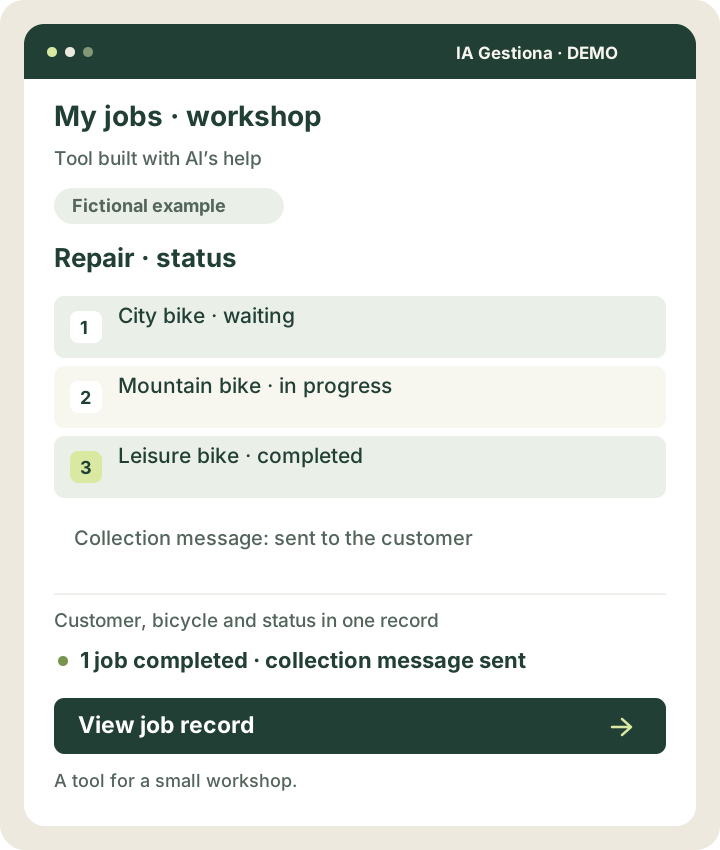 View larger example ↗
Demonstration screen with fictional data. Tailored to your business.
How we can help
One specific task
We agree what the tool should do, who will use it and what result you need.
Easy to use
Clear screens and buttons designed around how you work.
Tested with you
We check that it works with your data and explain how to use it.
Small improvements that make sense
- A price calculator using your own rates.
- A form that asks for the details needed for a quote.
- A tool that sorts files or changes their format.
- A connection that moves details between two applications.
- A tool for uploading or downloading customer lists.
- A screen showing pending and completed jobs.
- An Excel spreadsheet that performs repetitive calculations automatically.
- A simple record of customers and their jobs.
A bicycle workshop wants to see which repairs are still pending.
We build a screen showing the customer’s name, bicycle, job and repair status. The workshop does the work and marks it as completed. The tool then sends a collection notice through the agreed channel and records the message. There is no need to find the phone number and write the same message each time. If the notice cannot be sent, it alerts the workshop.
Illustrative scenario. This is not a client case study or a guarantee of results.
AI helps us build your tool.
We use AI to prepare the screens, write the code and check how it works. The result is a tool built for your task, with the fields and buttons you need.
A simple example
For the bicycle workshop, we build a repair record and a collection notification. When the workshop marks the job as finished, the software sends the agreed message.
How it works and when it asks for help
We agree which data it can use and which actions it will take. If it also needs to understand customer messages, we connect an AI feature for that task. If it cannot resolve an enquiry or the customer asks for a person, it explains this and hands over.
What we agree before starting
We focus on small, manageable projects. Before quoting, we review the data, permissions, exceptions and maintenance requirements.
You might
be wondering…
What kind of tool can you build?
Small tools for a specific task: calculating prices, organising jobs, sorting files or moving details between applications. We look at how you work now and agree what the tool needs to do.
Do I need coding skills to use it?
No. We build it with the fields and buttons you need. We test it with you and explain how it works.
How do you use artificial intelligence?
We use it to design and build the tool and help check that it works. If your task also needs message understanding or document reading, we agree that feature too. You receive a tool you can use without coding skills.



Your next improvement
starts with a conversation.
A free, no-obligation introductory conversation. We arrange a day and time on WhatsApp.