
Answer enquiries and book appointments through WhatsApp.
We set up an AI assistant to reply to customers on WhatsApp using your business information. You can start with common questions and add appointment booking if your calendar supports a connection. You spend less time answering the same questions.

A free, no-obligation introductory conversation. We arrange a day and time on WhatsApp.
The appointment is confirmed without a manual diary check.
The assistant introduces itself as AI and checks the salon’s connected calendar. It offers an available slot, confirms the customer’s choice and schedules a reminder using the business’s rules. If it cannot resolve the request, the connection fails or the customer asks for a person, it explains what happened and says someone will continue the conversation.
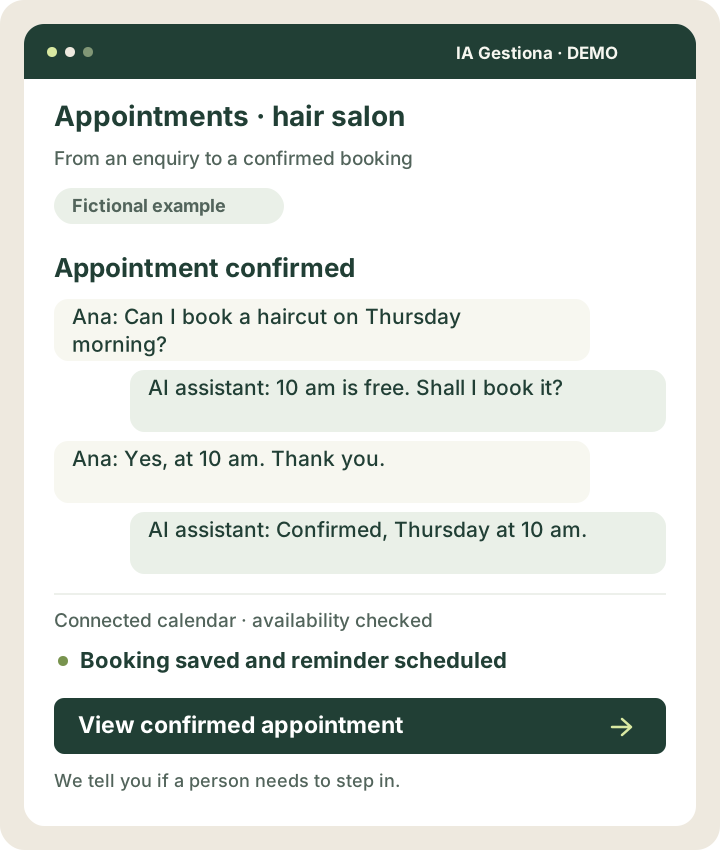
Ana asks for an appointment and AI checks the connected calendar.
AI offers an available slot and Ana accepts it.
The appointment is recorded and confirmed, with a reminder scheduled.
Let’s discuss it in 30 minutes. We arrange a day and time on WhatsApp.
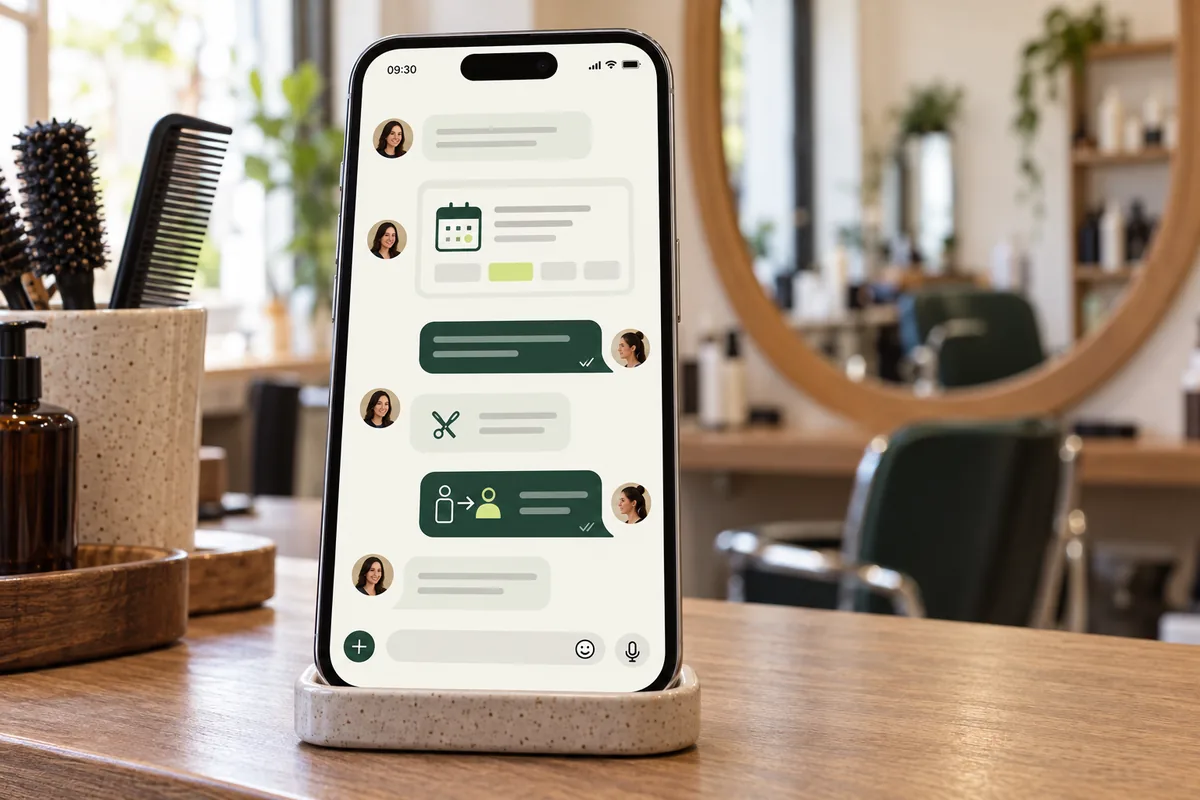
Appointment confirmed
The result: Booking saved and reminder scheduled
View the example screen
 View larger example ↗
Demonstration screen with fictional data. Tailored to your business.
How we can help
Helpful answers
Explain opening hours and services using your business information, and ask for any details needed.
Confirmed appointments
Check available slots, book the customer’s choice and schedule a reminder.
Help only when needed
If it cannot resolve a request or the customer asks for a person, it explains this and notifies you.
Small improvements that make sense
- Answer questions about opening hours and services.
- Ask for missing details to prepare and send a quote using your rates.
- Create or update a contact in your software.
- Check the connected calendar, confirm appointments and send reminders.
- Inform the customer and notify you of an exception it cannot resolve.
- Send information and follow-ups with the necessary permissions.
A salon receives a booking request while serving a customer.
Ana messages to ask for a haircut on Thursday morning. The AI assistant checks the connected calendar, offers 10 am and, when Ana accepts, books the slot and sends confirmation. A reminder is scheduled. If the calendar stops responding, it tells Ana the appointment could not be confirmed and asks the salon for help.
Illustrative scenario. This is not a client case study or a guarantee of results.
Understand the message and complete the task.
AI identifies whether a customer needs an appointment, a price or information, even when people phrase things differently. Automation checks your tools and carries out the steps you have authorised.
A simple example
“Do you have a slot on Thursday?” triggers a calendar check. The assistant offers an available time and books it when the customer chooses it.
How it works and when it asks for help
It uses connected sources for availability and prices and asks for missing details. If it cannot resolve the request with the available information and tools, it explains the problem to the customer and lets them know a person will continue the conversation.
One possible journey
A message arrives
AI identifies the enquiry
It checks details or asks for what is missing
It completes the task and confirms
It records and schedules follow-up
You might
be wondering…
Can a customer speak to me?
Yes. They can ask for a person. The assistant also notifies you when it cannot resolve an enquiry and tells the customer someone will continue the conversation. Routine tasks are completed automatically within the agreed rules.
Can it connect to my calendar or software?
We check with you. It depends on the available features, permissions and connections. If the connection supports checking and booking slots, AI can offer and confirm a time without a manual check for every appointment.
Other solutions that may help



Your next improvement
starts with a conversation.
A free, no-obligation introductory conversation. We arrange a day and time on WhatsApp.