
Create and send invoices without copying the details again.
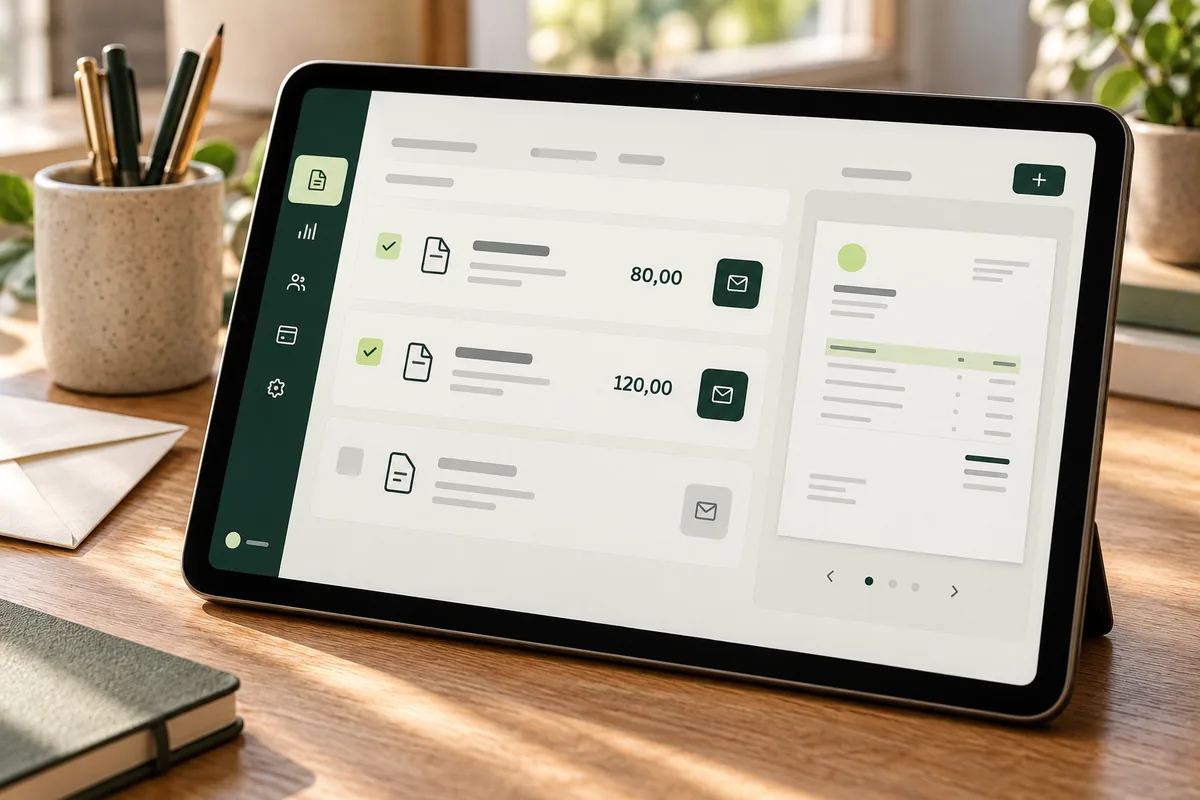
We connect your customer and job details to your invoicing software. For example, when a service is marked as completed, the system checks the details, issues the invoice and emails it. It uses settings validated by your business and advisers. AI can help read details from messages or documents.

A free, no-obligation introductory conversation. We arrange a day and time on WhatsApp.
The invoice is issued and sent from your software.
When the agreed condition is met, such as a service being completed, automation checks the details and uses your software to issue and send the invoice. It applies tax settings validated in advance and records when the invoice was sent. It requests missing details or checks an authorised source before continuing. If an inconsistency or error prevents completion, it stops that step, informs the customer and notifies the person responsible.
The completed service triggers the agreed process.
Details are checked and the invoice is issued using validated settings.
The software sends the invoice, records when it was sent and tracks its status.
Let’s discuss it in 30 minutes. We arrange a day and time on WhatsApp.
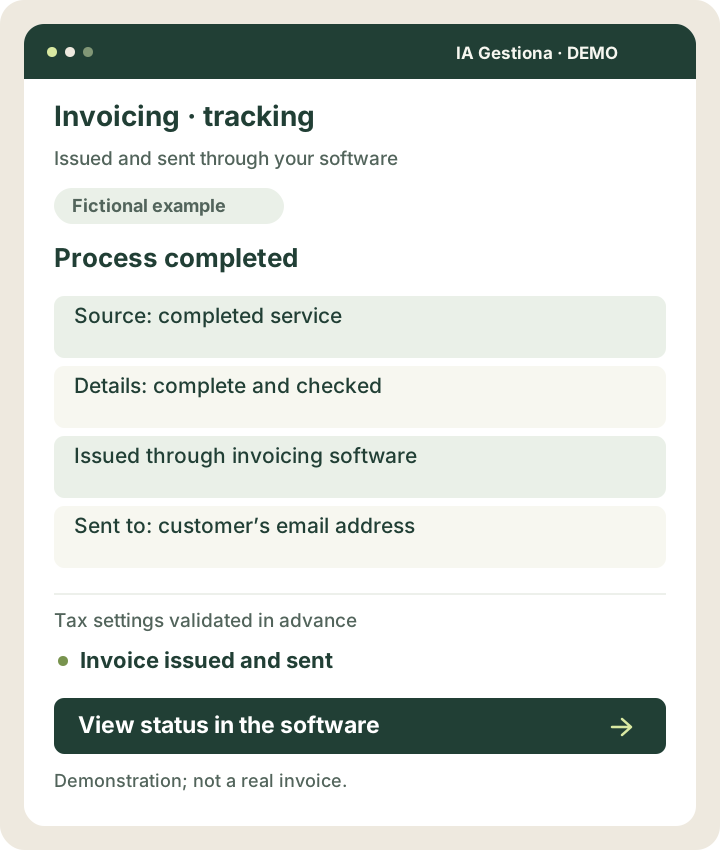
Process completed
The result: Invoice issued and sent
View the example screen
 View larger example ↗
Demonstration screen with fictional data. Tailored to your business.
How we can help
No repeated data entry
Reuse customer information and accepted quote details.
Invoice issued and sent
Run the configured checks and send the document through your software.
Up-to-date follow-up
Check payment status and send agreed reminders using current records.
Small improvements that make sense
- Create a customer in your invoicing software.
- Trigger invoicing when the agreed condition is met.
- Issue recurring invoices using validated settings.
- Email invoices issued by your software.
- Store and export documents or information.
- Send payment reminders based on up-to-date status information.
A professional invoices a monthly service.
When monthly maintenance is marked as completed, automation checks the customer, service and required details. Your software issues the invoice using validated tax settings and emails it. The system records when it was sent. If an inconsistency prevents the invoice from being issued, the customer is told about the delay and the person responsible is notified. The system does not report an invoice as issued until this has been confirmed.
Illustrative scenario. This is not a client case study or a guarantee of results.
From a message to the details your software needs.
AI can find a customer’s name and job reference in an enquiry. The system checks them against available records and triggers invoicing when the agreed conditions are met.
A simple example
A service is marked as completed in your business software. Details are retrieved from the customer record, checked, and the invoice is issued and sent through the connected invoicing software.
How it works and when it asks for help
AI does not decide taxes or accounting treatment: it applies settings validated by your business and advisers. If it cannot resolve a problem, it stops the affected step, informs the customer and alerts the person responsible.
One possible journey
The agreed condition is met
Details are checked
Your software issues the invoice
It is sent automatically
The invoice is recorded and tracked
You might
be wondering…
Which software can you work with?
We assess FacturaScripts, Holded, Quipu, WooCommerce and other tools. Feasibility depends on the version, permissions and available connections.
Does this replace my accountant?
No. We automate technical steps. Tax and accounting decisions remain with your business and its advisers.



Your next improvement
starts with a conversation.
A free, no-obligation introductory conversation. We arrange a day and time on WhatsApp.